
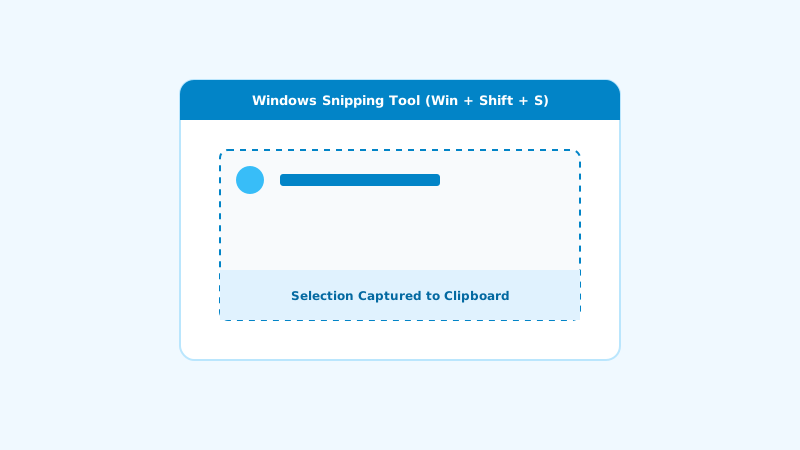
1. Method 1: The Modern Snipping Bar (Win + Shift + S)
Press Windows + Shift + S to dim the screen and activate the top overlay bar containing rectangular, freeform, window, and full-screen crop modes.
2. Method 2: Instant Auto-Save (Win + PrtScn)
Pressing Windows + Print Screen causes the screen to flash briefly and saves a PNG file directly to your Pictures > Screenshots directory.
3. Method 3: Active Window Only (Alt + PrtScn)
Captures only the currently focused application window directly to your clipboard without surrounding desktop clutter.